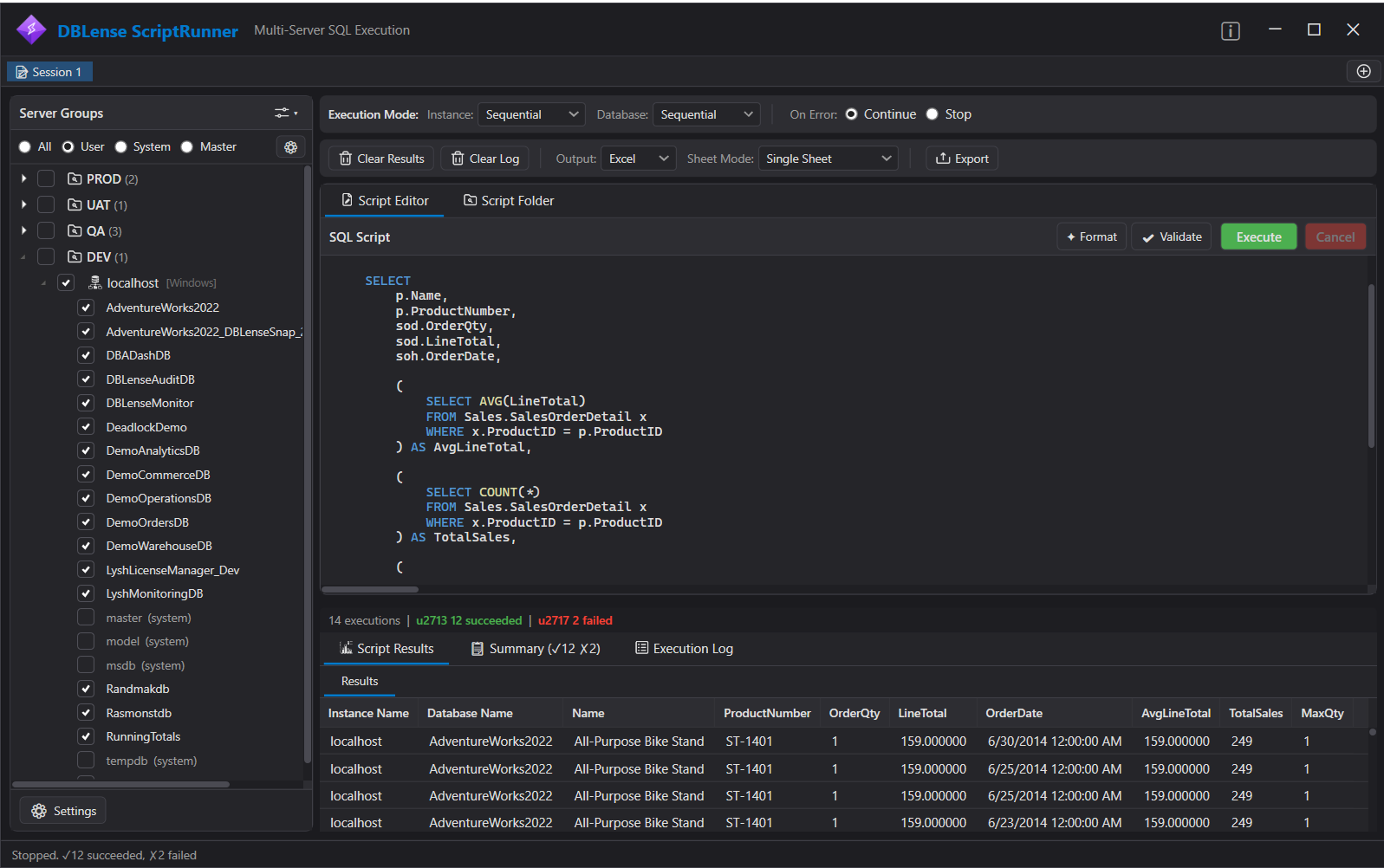
DBLense Script Runner → Complete User Guide
Execute SQL scripts across multiple servers and databases in one click. Organize servers into groups, reuse SQL templates, validate before execution, run sequentially or in parallel, route scripts by filename or comment directives, and export results to Excel or CSV — all from a single portable .exe.
What it does
Script Runner is built for day-two DBA work: patching, inventory, permission checks, and controlled multi-server changes. You organize servers into groups, optionally limit which databases are in scope, choose serial or parallel execution, and review a unified results log.
- Server groups — target fleets without reconnecting one by one
- Include filters — run only on matching database names
- Templates & folders — reuse scripts; pattern-match routing to the right servers
- Validate then execute — SET NOEXEC-style checks before real runs
Continue with Getting Started, then the Interface & Features walkthrough.